Consent and clinical forms
Aesthetic clinic consent form software, e-signed and paperless.
Send the forms before the visit. Read the answers, have the conversation and keep the signed version on the patient file.
Free for 14 days. Cancel before it ends and you pay nothing. Card required.
The direct answer
What is aesthetic clinic consent form software?
Aesthetic clinic consent form software sends forms digitally, captures the patient’s signature and stores the signed version on the patient record. AesthetiClinic includes secure form links, phone or tablet signing and versioned wording. It supports the record of consent; the practitioner still needs to review answers and discuss the treatment.
Before, during and after
Forms ready before she reaches the room.
Give patients time to read. Give yourself time to talk.
-
Send and complete
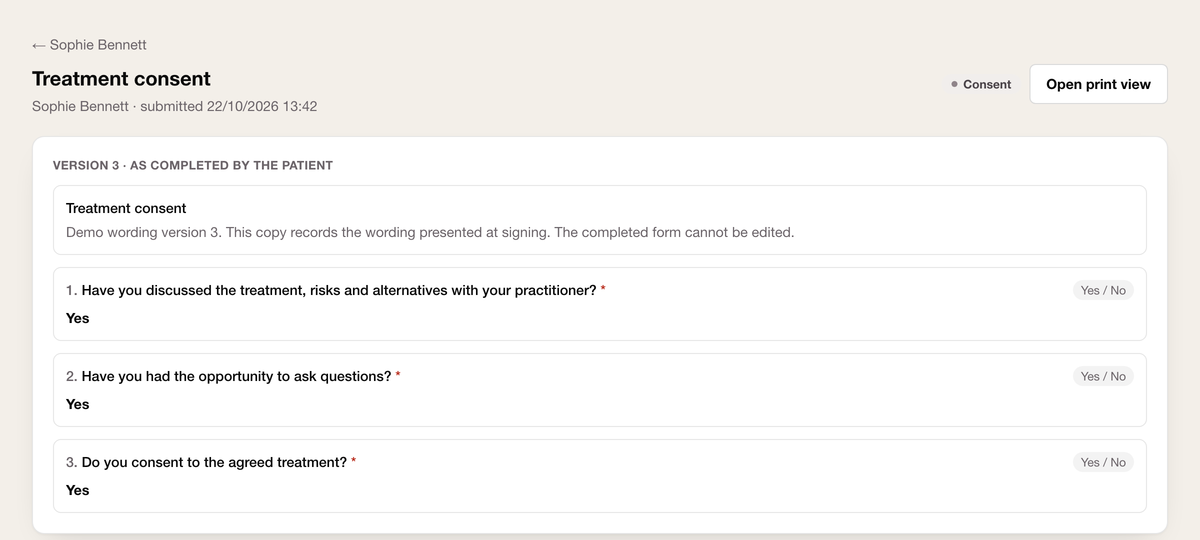
Your patient opens a secure link and completes the form on her phone, before the visit or in the room.
Choose the relevant consent and medical history forms. Check the recipient and allow time to review their answers.
-
Review and discuss
She has time to ask about the treatment, risks and alternatives with you.
Assess suitability and check understanding. A completed questionnaire or signature alone is not the consent discussion.
-
Sign and retrieve
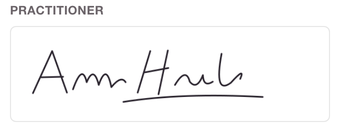
She signs the agreed form version on screen.
Retrieve the signed, timestamped version from the patient record alongside the treatment note.
Record evidence
The wording she signed, there when you need it.
-
The old signed form stays intact.
Edit wording for future forms while keeping the version attached to an earlier signature.
-
The right access for your team.
Use role-based access and the record audit trail to support review of patient information.
-
Sign without handing over your login.
The signing device can be logged out of the staff app. An internet connection is required.
-
Your files, ready to take with you.
Export without an exit fee. Large media libraries may require a further download supplied on request.
In their own words
The patient file, wherever you are.
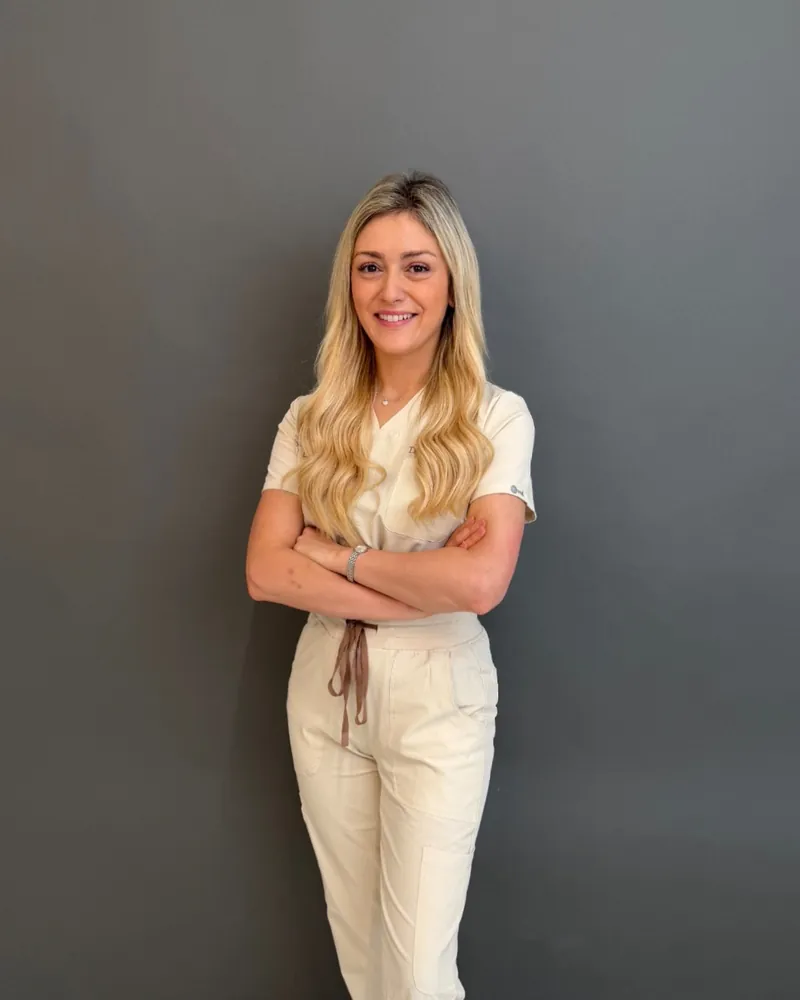
“Clients love the ease of use and as a practitioner, the fact that booking, documentation, and email marketing are in one place; and that can be used from my phone is 10/10.”
Dr Pam Rhead, Dr Rhead Aesthetics, Bangor, Co. Down
Your forms. A head start on the wording.
Start with an anti-wrinkle, filler or medical history template, then make the wording fit your clinic.
-
Anti-wrinkle consent form
A starting point for your treatment consent wording.
-
Dermal filler consent form
A starting point for the filler consultation and consent discussion.
-
Medical history form
A starting point for collecting information before a visit.
Your clinic reviews the wording and consent process before using a template.
In the treatment room
Her phone is enough.
-
On her phone or your tablet.
The patient opens the secure link and signs on screen. There is no patient app to install.
-
Make sure the form is finished.
Check the completed record before treatment. Send a fresh link if the form is unfinished or the original link is no longer usable.
-
Keep marketing permission separate.
Treatment consent, health-data processing and marketing permissions have different purposes. Keep your wording and staff process clear.
- £25
- plus VAT per practitioner a monthThe whole platform, minimum one bookable practitioner seat.
- 0%
- commission to usPayments settle to your own Stripe account. Stripe's card processing fees apply.
- Included
- digital forms and versioningYour clinic remains responsible for clinical wording and consent discussions.
- Your data
- exportable, with no exit feeStructured records and files. Large media libraries may need a further download supplied on request.
Bring your forms to the demo.
We will send one, sign it and find it on the record together.
England's licensing scheme is not in force. Software supports recordkeeping; it does not certify compliance.
Questions
Consent software questions, answered straight.
What is aesthetic consent form software?
It captures forms and signatures digitally, with the completed form stored on the patient record. It replaces printing, scanning and filing; it does not replace a clinical consent discussion.
How does the e-signature work?
The patient draws a signature on a phone or tablet. The signature is recorded with a date and time and linked to the form version signed. The completed copy is attached to the patient record.
Can patients complete consent forms before they arrive?
Yes. Send a secure form link for the patient to complete on their own phone, without an app or patient account. The practitioner still needs to review the answers and discuss consent.
Where are signed consent forms stored?
Completed forms belong to the patient record. The application database is hosted in Germany and uploaded files are stored under EU jurisdiction. Email, SMS and other sub-processors may operate in the US under Standard Contractual Clauses; see the DPA list.
Does the software keep older versions of a form?
Yes. Updating a template does not replace the wording in an older signed form. The version each patient signed is retained with their record.
Can I edit the consent and medical history forms?
Yes. Your clinic defines and reviews the wording. AesthetiClinic provides digital capture, signatures, versioning and storage; it does not approve clinical wording for you.
Does it work on a phone or tablet in the treatment room?
Yes. A patient can use their own phone or a clinic tablet, including a device logged out of the staff app, through a secure single-purpose form link. An internet connection is required.
Can I get my consent records out if I leave?
Yes. Structured records and files can be exported with no exit fee. If a large media library needs more than one download, the remainder can be supplied on request. The subscription agreement sets out your access and export rights.
Bring a form. We’ll walk it through together.
Bring your treatments, forms and questions. We will walk through the jobs your clinic needs to do.
Book a 30-minute demoFree for 14 days. Cancel before it ends and you pay nothing. Card required.